Early access · Release date: November 5, 2026
UpdatedTruck World: Australia Job System Guide to Deliveries
Learn the Truck World: Australia job system, complete trailer deliveries, unlock flat-top cargo jobs, and combine contracts to earn more on each delivery.
Jump to
How the Job System Works
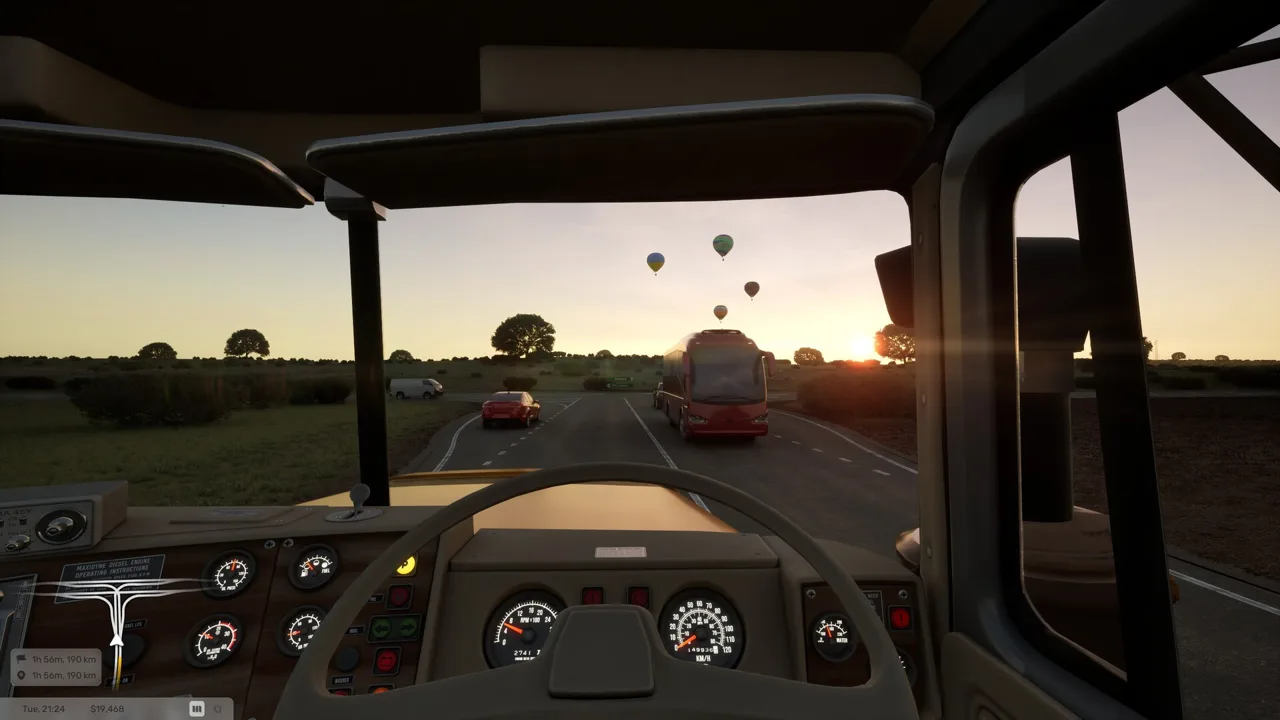
A delivery starts before you leave the yard. The Truck World: Australia job system lets you haul complete trailers or carry individual cargo loads on your own flat-top trailer. Learning the pickup process and planning compatible deliveries helps you spend less time backtracking between jobs.
There are two repeatable contract types:
- Full-trailer deliveries: Collect a trailer carrying its load, drive it to the destination, and complete the handoff.
- Individual cargo deliveries: Use your own flat-top trailer to carry cargo, with the option to combine orders during one trip.
The initial Early Access build allows up to three active contracts. That gives you room to plan several deliveries, but it does not mean you can tow three trailers together.
Start with the tutorial to learn the controls, manual refueling, and a short local delivery. Trailer handling involves work outside the cab, so learning those interactions early saves confusion at your next pickup.
How to Complete a Full-Trailer Delivery
Full-trailer contracts let you get hauling before you acquire your own flat-top. Follow the complete pickup and delivery process rather than stopping once the trailer reaches its destination.
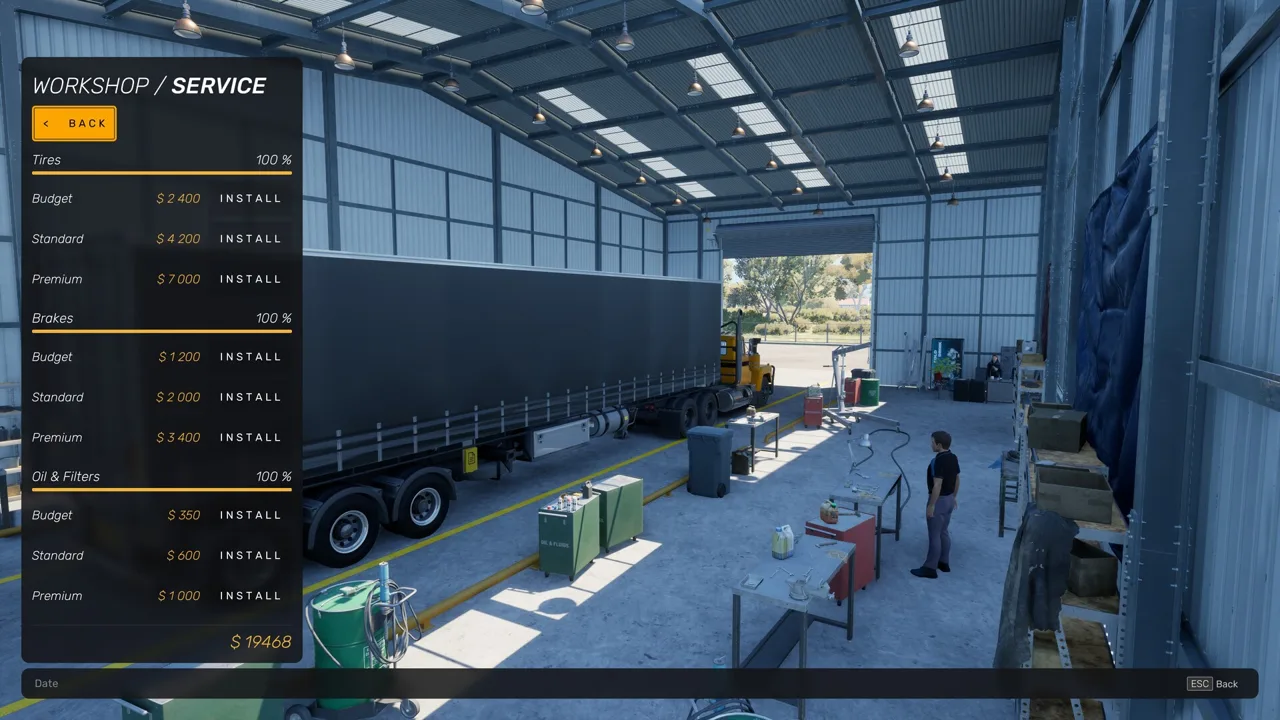 Image: Steam / Truck World Studio
- Accept a contract and navigate to its pickup. Check both endpoints before committing so you know where the job will take you.
- Use the pickup terminal to request the trailer. Driving into the yard alone does not finish the collection process.
- Back the truck into position and couple the trailer. Line up carefully before completing the connection.
- Prepare the trailer for travel. Raise its support legs and connect the cables before departing.
- Drive to the delivery location and park in the designated area. Leave room to maneuver, especially in tight yards.
- Prepare the trailer for detachment. Lower the support legs fully, disconnect the cables, and uncouple.
- Use the destination terminal to finish the delivery. Check the completion message and the payment email afterward.
Parking and uncoupling are only part of the handoff. Remember the terminal interaction before heading off to another job.
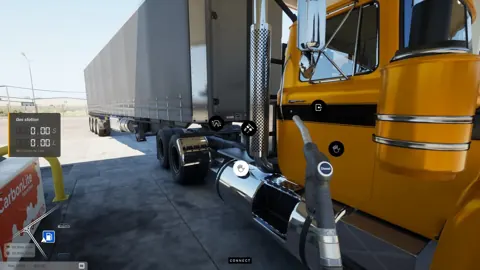
Fuel stops also require attention. With manual refueling enabled, fill the tank, return the nozzle, and go inside to settle the bill. Pay before leaving the station.
How to Get Your Own Flat-Top Trailer
The early story introduces your trucking base and the trailer used for individual cargo contracts. Follow those missions alongside regular hauling work.
 Image: PlayStation Store
In A yard of our own, collect a site office from Port Lincoln and bring it to your property. This establishes an office with a bed and a computer for managing base construction.
The next story mission, Word gets around, introduces a farmer’s old flat-top trailer. The arrangement involves collecting the trailer and delivering donated materials for the new jetty at Coffin Bay.
During this sequence:
- Use the office computer to arrange a trailer shelter.
- Collect the flat-top from the farm.
- Follow the mission objectives for the donated cargo.
The trailer shelter costs $20,000 in this early build. Keep that expense in mind when planning your contract earnings around the base missions.
Once you have the flat-top, individual cargo jobs add another layer to hauling: you can plan several orders around the same trailer instead of collecting a separate loaded trailer for each delivery.
How to Combine Cargo Jobs on One Route
The advantage of flat-top work is the ability to carry additional orders along your route. You can pick up cargo during a trip and combine deliveries instead of treating every contract as an isolated journey.
 Image: Steam / Truck World Studio
Before accepting another order, compare its pickup and destination with the work you already have. Favor stops that continue in the same direction, and check the loading space available on your trailer.
For example, take a nearby delivery alongside a longer haul when both fit your planned route. Complete the local stop, then continue toward the farther destination. Avoid accepting an attractive payout without checking whether its pickup sends you back across the map.
Cargo placement matters, too. The loading interface uses a grid where you can arrange loads and balance their weight. You can organize the layout yourself or use the automatic organization option.
After arranging the cargo, step outside and secure it with straps. Placing a load on the trailer and securing it are separate tasks.
Use this checklist before leaving a pickup:
- Check where each active contract needs to go.
- Review the cargo arrangement and weight balance.
- Secure the loaded cargo.
- Check trailer connections.
- Set navigation for the next intended stop.
The three-contract limit is a planning allowance. Fill those slots when the jobs work together; avoid adding a delivery simply because another slot is open.
Early Access Limits and Platform Availability
The initial release centers on the Eyre Peninsula, with nine towns, one player-owned truck, limited truck upgrades, and the first two base upgrades. Two story missions are included, while repeatable delivery contracts provide ongoing hauling work.
Drivable road trains are planned for a future update. Multiple active contracts currently support delivery planning and combined cargo orders; they do not unlock multi-trailer hauling. Traffic violations and fines are also still in development.
Availability differs by platform:
| Platform | Release |
|---|---|
| Xbox, Microsoft Store, Epic Games Store | November 5, 2026 |
| Steam on Windows | 2027 (coming soon) |
If you are waiting for the Windows Steam version, use the Truck World: Australia Steam page to wishlist it. The currently available Early Access version already includes both delivery contract types.
Continue with
 Truck World: Australia Motel Rest: How to Get SleepTruck World: Australia motel rest explained: park your truck, walk to reception, and choose your sleep duration before heading back for more deliveries.
More in Guide
See all Guide
Continue exploring
Join the community
Official channels for news, updates and player help: