Early access · Release date: November 5, 2026
UpdatedTruck World: Australia Controls: Cab and Wheel Guide
Learn Truck World: Australia controls for cab switches, camera changes, manual shifting, trailer hookups, and refueling before you take your next delivery.
Jump to
How the Driving and Interaction Controls Work
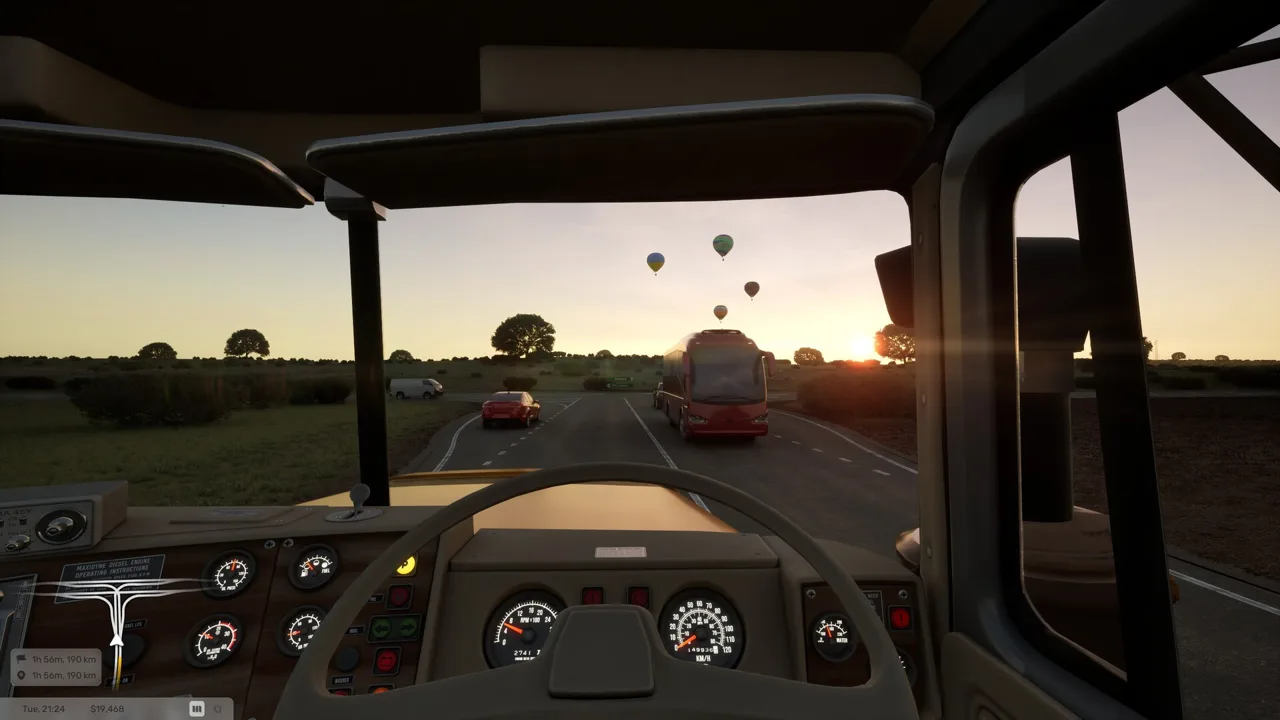
Truck World: Australia controls extend beyond steering: you also operate dashboard switches, handle trailer equipment, and refuel outside the cab. Learning those interactions matters because backing under a trailer is only part of getting it ready for delivery. Keep the opening radio tutorial enabled while you learn the truck and its equipment.
In the Early Access build, C changes the camera view. Use the exterior view to check trailer alignment and clearance when backing into a tight delivery spot.
The beta cab supports direct interaction with several switches. Aim at a control and press your assigned interaction button to operate it:
- Ignition: Turn the truck on or off.
- Parking brake: Apply or release it through the cab control.
- Engine brake: Toggle the engine brake, also called the Jake brake.
- Lights: Operate the truck’s light switch.
- Hazard lights: Toggle the hazard lights.
- Door handle: Interact with the handle to leave the cab.
These interactive switches let you operate several functions without assigning each one to a separate button on a wheel or button box. Apply the parking brake before looking around the dashboard so the truck stays put while you learn the layout.
Official page: Truck World: Australia (truckworldstudio.com)
Steering Wheel, Controller, and Manual Gearbox Setup
The pre-release build includes manual gearbox, H-pattern shifting, and manual clutch options. It also provides steering rotation and force feedback settings; a 900° wheel configuration is supported in that build.
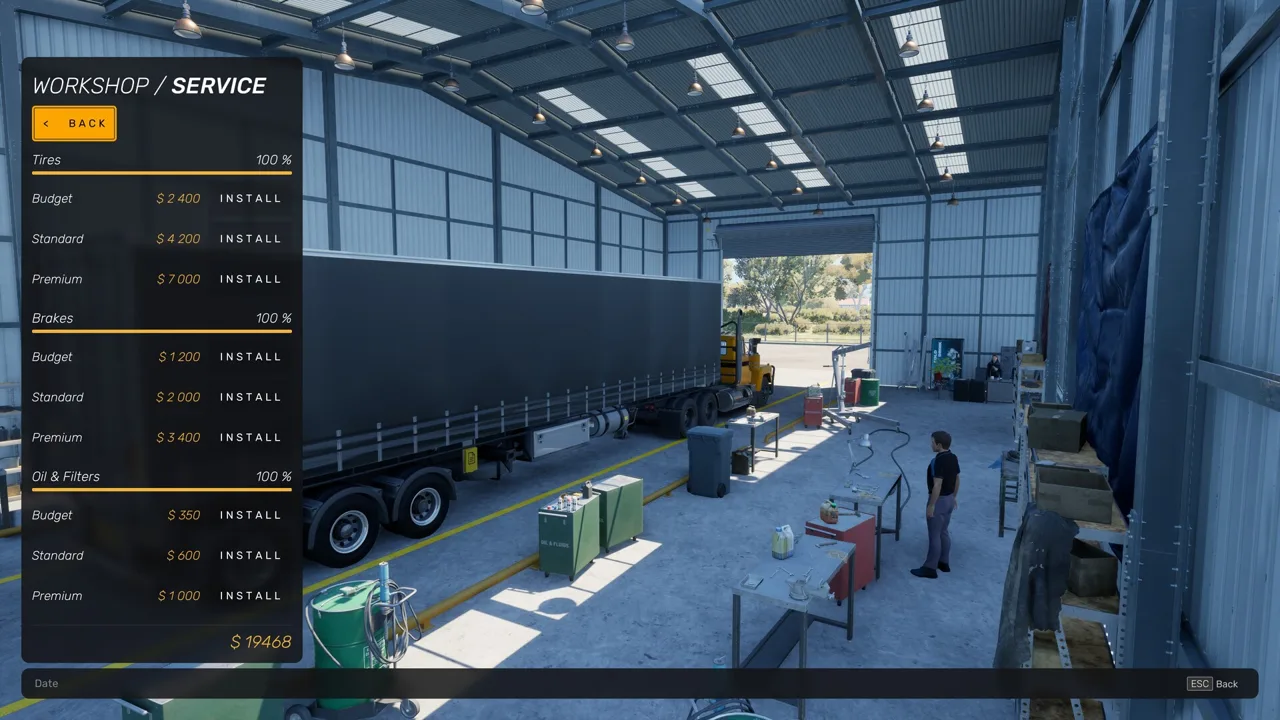 Image: Steam / Truck World Studio
Select the gearbox and clutch modes that match the equipment you intend to use. For an H-shifter and clutch pedal setup, enable H-pattern shifting and manual clutch mode together.
The pre-release truck has 10 gears, divided into a lower group of 1–5 and an upper group of 6–10. Learn the range-toggle assignment alongside the individual gear positions so you can reach the upper gears.
For dashboard interaction, you can assign a wheel button to activate the switch you are pointing at. A Logitech G29 setup can use X for interaction; that assignment should be understood as a configured button rather than a universal default.
The Steam version includes partial controller support, plus DualShock and DualSense support. Its release is scheduled for 2027. Keep a mouse and keyboard within reach when planning a controller setup, particularly for menus and interactions.
Connecting and Disconnecting Trailers
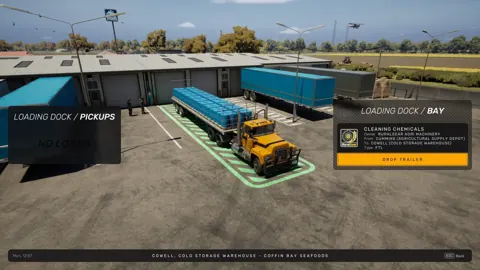
The Early Access game includes hands-on trailer connections and equipment outside the cab. The pre-release gameplay settings also include automatic trailer coupling and automatic rear height adjustment. The latter adjusts the truck’s rear height to match different trailers.
 Image: PlayStation Store
For manual coupling:
- At the pickup yard, use the job terminal to request the trailer. Leave its spawning area clear.
- Reverse into position, aligning the truck’s hitch with the trailer’s kingpin.
- Complete the coupling interaction and secure the truck before getting out.
- Raise the trailer’s support legs.
- Connect the trailer cables before driving away.
Check the supports and cables outside the truck instead of assuming the coupling interaction handled everything.
For manual detachment at the delivery point:
- Park and secure the truck.
- Lower the support legs fully.
- Disconnect the trailer cables.
- Uncouple the trailer.
- Use the delivery terminal to complete the drop-off.
Disconnect the cables before trying to uncouple. The Early Access build can block detachment while the cables remain connected.
Using the Manual Refueling Controls
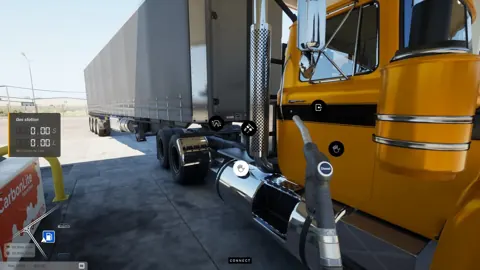
Realistic refueling is a selectable option in the pre-release build, and manual refueling is part of Early Access. It involves handling the pump outside the truck rather than completing the entire process from the driver’s seat.
 Image: Steam / Truck World Studio
To refuel manually:
- Pull alongside a suitable pump and shut down the truck.
- Get out and pick up the nozzle.
- Hold the fueling interaction to fill the tank.
- Return the nozzle.
- Go inside and settle the fuel payment.
The truck has tanks on both sides, and refueling can be approached from either side in the Early Access build. Finish the payment step before leaving the station; filling the tank and paying are separate interactions.
When a Control Seems Unresponsive
In the pre-release build, an active CB radio conversation can prevent you from leaving the truck. Answer the call and let the exchange finish before trying the exit interaction again.
Opening and closing menus can also leave the truck out of gear in that build. Check the selected gear after returning to driving before troubleshooting the accelerator or clutch.
The CB interface includes roadside assistance options for refueling and repairs. Assistance carries a cost, so check the truck’s condition and fuel level before requesting it.
For a persistent input or interaction bug, F1 opens bug submission in the pre-release build. Describe the action that failed and include whether you were driving, using a menu, or interacting outside the cab.
Continue with
 Truck World: Australia How to Drive Your First LoadTruck World: Australia how to drive guide: learn cab controls, trailer hookups, left-hand traffic, and manual refueling before taking your first delivery.
More in Controls

Truck World: Australia How to Shift Gears: Manual Guide
Truck World: Australia how to shift gears explained: set up manual controls, use the 10-gear H-pattern layout, and handle shifting issues in the preview.
Truck World: Australia How to Use Clutch: Setup Guide
Truck World: Australia how to use clutch guide: set manual gearbox, H-pattern shifting, and manual clutch mode, then check your gear after opening menus.

Truck World: Australia Jake Brake Controls Explained
Learn how to use the Truck World: Australia jake brake through the cab controls, what the G29 X button does, and how the beta's engine brake toggle works.
Truck World: Australia Keyboard Controls Guide & Tips
Learn Truck World: Australia keyboard controls, switch cameras, use dashboard switches, and handle trailer connections before your next delivery contract.
Join the community
Official channels for news, updates and player help: