
Early access · Release date: November 5, 2026
UpdatedTruck World: Australia How to Drive Your First Load
Truck World: Australia how to drive guide: learn cab controls, trailer hookups, left-hand traffic, and manual refueling before taking your first delivery.
Jump to
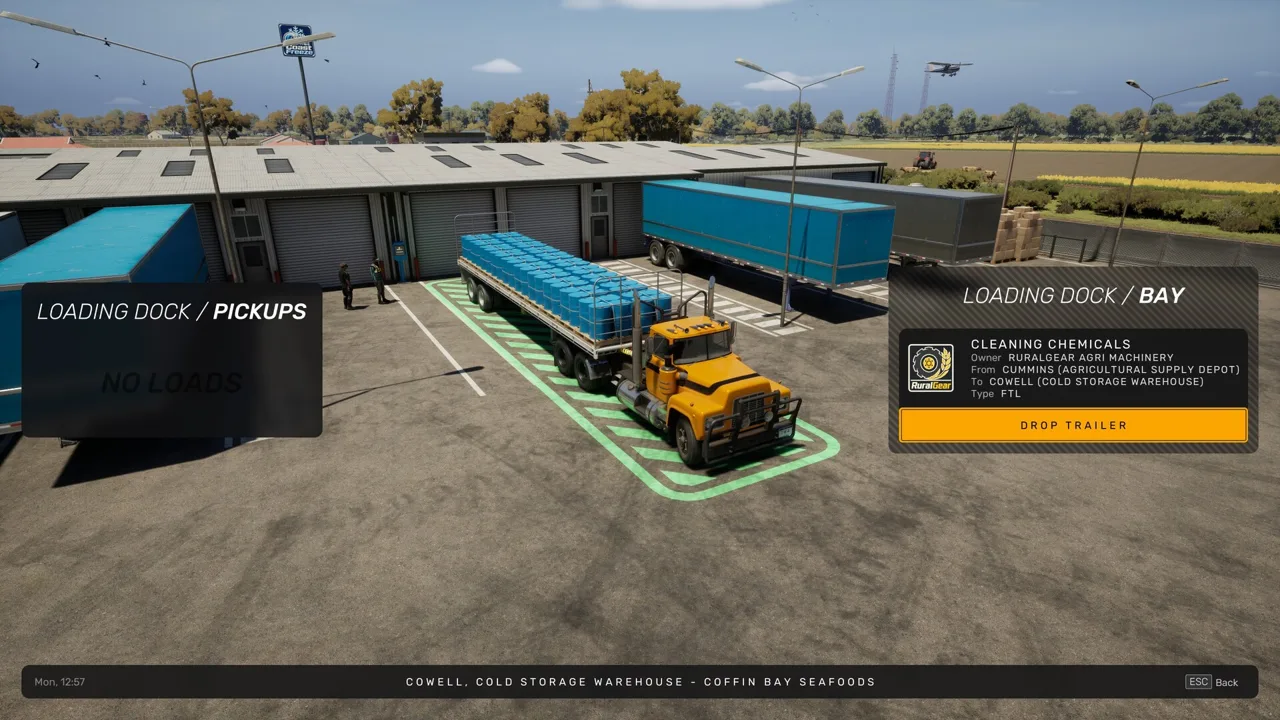
How to Start Driving and Take Your First Job
Your first delivery starts before you leave the yard. This Truck World: Australia how to drive guide covers the controls, trailer connections, and driving habits that help you deliver without damaging your load. Start the engine, release the parking brake, and keep left—but check your fuel before committing to a trip.
Keep the opening radio tutorial enabled for your first run. It offers guidance through the initial job, which is useful because preparing the truck involves getting out of the cab and handling equipment yourself.
Before heading out:
- Find your essential controls. Check the bindings for engine startup, parking brake, acceleration, braking, steering, and transmission operation.
- Set your driving view. Adjust the seat and mirrors so you can follow the trailer’s position. On PC, C changes the camera.
- Choose your transmission setup. Automatic shifting is available, while manual driving supports a clutch and a gearbox with a splitter option.
- Follow the selected job. Accept a contract and use its navigation controls to find the pickup location.
Start with one delivery while learning the truck. The November 5, 2026 Early Access release includes one player-owned truck, so learning its handling carries directly into later contracts.
Official page: Truck World: Australia (truckworldstudio.com)
Refuel Before Leaving Town
Fueling is a hands-on task. You leave the cab, operate the pump, and settle the bill inside the station.
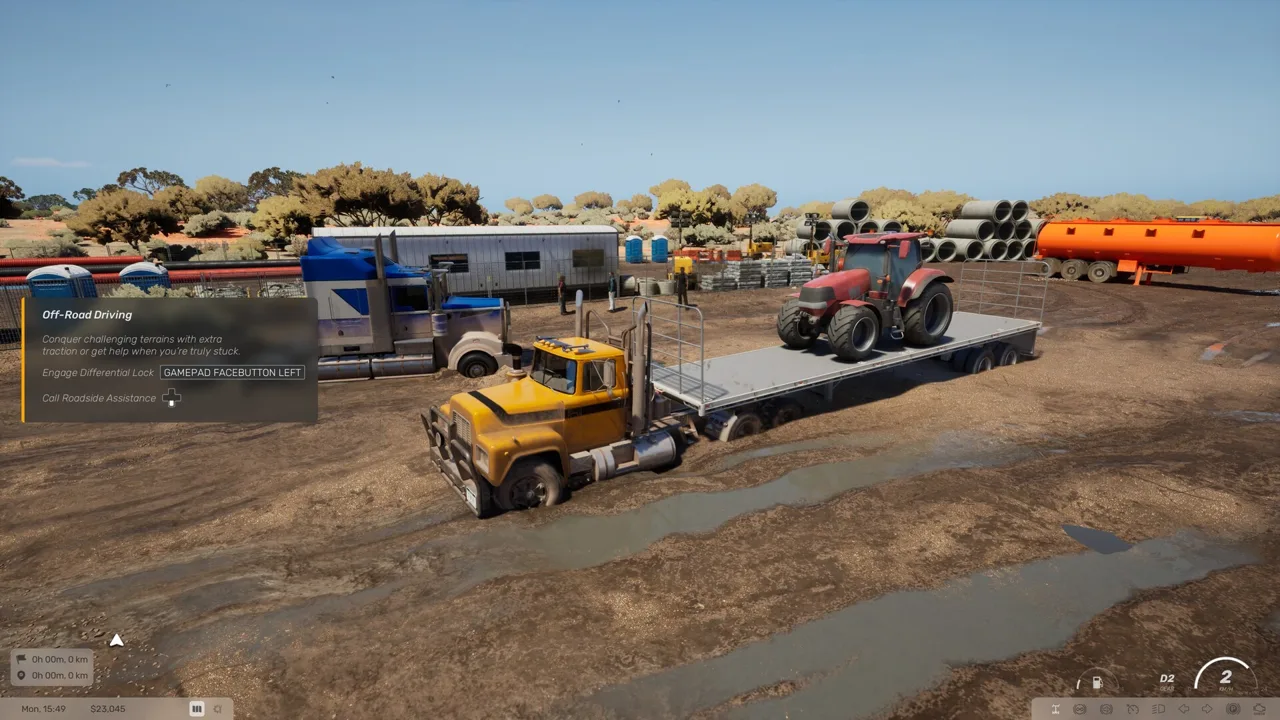 Image: Steam / Truck World Studio
- Park alongside a diesel pump.
- Get out and interact with the fueling equipment.
- Insert the nozzle and hold the fueling interaction to fill the tank.
- Return the nozzle.
- Go inside and pay at the register.
Finish paying before driving away. Filling the tank and paying are separate steps, making the register easy to miss when you are eager to reach your pickup.
Check fuel before accepting a longer route. Trips between towns give you plenty of driving time, and stopping while you are already near a station saves a detour.
Pick Up and Connect a Trailer
Arriving at the pickup marker does not finish the collection process. For full-trailer contracts, use the yard terminal to request the trailer through “Pull trailer.”
 Image: www.truckworldstudio.com
Once the trailer is available:
- Position the truck in front of it.
- Reverse carefully, aligning the truck’s fifth wheel with the trailer’s kingpin.
- Complete the coupling interaction.
- Get out and connect the air lines and electrical supply.
- Raise the trailer’s support legs fully.
- Check the connections before returning to the cab.
Coupling the trailer is only part of the job. The hoses, electrical connection, and support legs require separate attention.
Use an exterior camera to check your alignment before backing underneath. Make small corrections early rather than trying to fix a steep approach at the coupling point.
Keep Left and Brake Before Corners
The truck has a right-hand driving position, and traffic travels on the left side of the road. After leaving a yard, turning at an intersection, or pulling away from a fuel station, deliberately check which lane you are entering.
 Image: www.truckworldstudio.com
Road signs use kilometers per hour. Read the posted limit instead of carrying over the numbers you are used to from American roads.
The truck’s weight matters when slowing down and turning:
- Begin braking before the junction. Leave room to slow down rather than waiting until the turn is beside you.
- Reduce speed before steering into a corner. Avoid arriving fast and trying to make the turn with a sharp correction.
- Watch the trailer in your mirrors. Give it clearance around gates, buildings, and tight yard entrances.
- Check navigation before intersections. Follow the delivery route instead of assuming the highway continues toward your destination.
Jake brake, engine retarder, and differential lock controls are also available. Learn the basic steering and braking response before adding more controls to your routine.
Reverse Into the Delivery Bay and Unhook
Delivery parking varies. Some jobs offer a straightforward drop, while others require reversing into a confined space.
Inspect the approach before backing in. Use the exterior camera to judge clearance, reverse slowly, and pull forward to straighten the combination when the angle becomes difficult. Parking assistance is also available through the radio during deliveries.
Once the trailer is positioned:
- Secure the truck before getting out.
- Lower the trailer’s support legs fully.
- Disconnect the air lines and electrical connection.
- Uncouple the trailer.
- Use the delivery terminal and select “Drop trailer.”
The game prevents detaching while the cables remain connected. If uncoupling is blocked, check those connections before attempting it again.
After submitting the delivery, check your in-game email for the completion message and payment details.
Load Your Flat-Top Before Combining Deliveries
The game also supports individual cargo contracts carried on your own flat-top trailer. Loading involves positioning and rotating cargo, with its weight and distribution displayed on the loading screen.
Use that display while arranging the load. Weight placement affects how the truck handles, so pay attention to distribution before leaving the pickup area. Once loading is complete, walk alongside the trailer and tighten its straps.
You can have up to three active jobs, allowing you to combine compatible cargo deliveries into one trip. Plan the pickup and drop-off order before accepting extra work.
Multiple active jobs do not mean multiple attached trailers. Drivable road trains are planned for a future update and are absent from the initial Early Access release. Use the flat-top’s cargo space to combine deliveries.
Manage Fatigue During Longer Runs
Your driver gets tired during work. A roadside break provides a small energy boost, while sleeping at your base, truck stops, or motels restores energy fully.
Plan a sleep stop before starting another long delivery when fatigue is building. The sleep timer also lets you choose when to resume driving within the game’s day-and-night cycle, so schedule a daylight departure while you are still learning the roads.
Continue with
 Truck World: Australia How to Shift Gears: Manual GuideTruck World: Australia how to shift gears explained: set up manual controls, use the 10-gear H-pattern layout, and handle shifting issues in the preview.
More in Controls
Truck World: Australia Controls: Cab and Wheel Guide
Learn Truck World: Australia controls for cab switches, camera changes, manual shifting, trailer hookups, and refueling before you take your next delivery.
Truck World: Australia How to Use Clutch: Setup Guide
Truck World: Australia how to use clutch guide: set manual gearbox, H-pattern shifting, and manual clutch mode, then check your gear after opening menus.

Truck World: Australia Jake Brake Controls Explained
Learn how to use the Truck World: Australia jake brake through the cab controls, what the G29 X button does, and how the beta's engine brake toggle works.
Truck World: Australia Keyboard Controls Guide & Tips
Learn Truck World: Australia keyboard controls, switch cameras, use dashboard switches, and handle trailer connections before your next delivery contract.
Join the community
Official channels for news, updates and player help: