
Early access · Release date: November 5, 2026
UpdatedTruck World: Australia Keyboard Controls Guide & Tips
Learn Truck World: Australia keyboard controls, switch cameras, use dashboard switches, and handle trailer connections before your next delivery contract.
Jump to
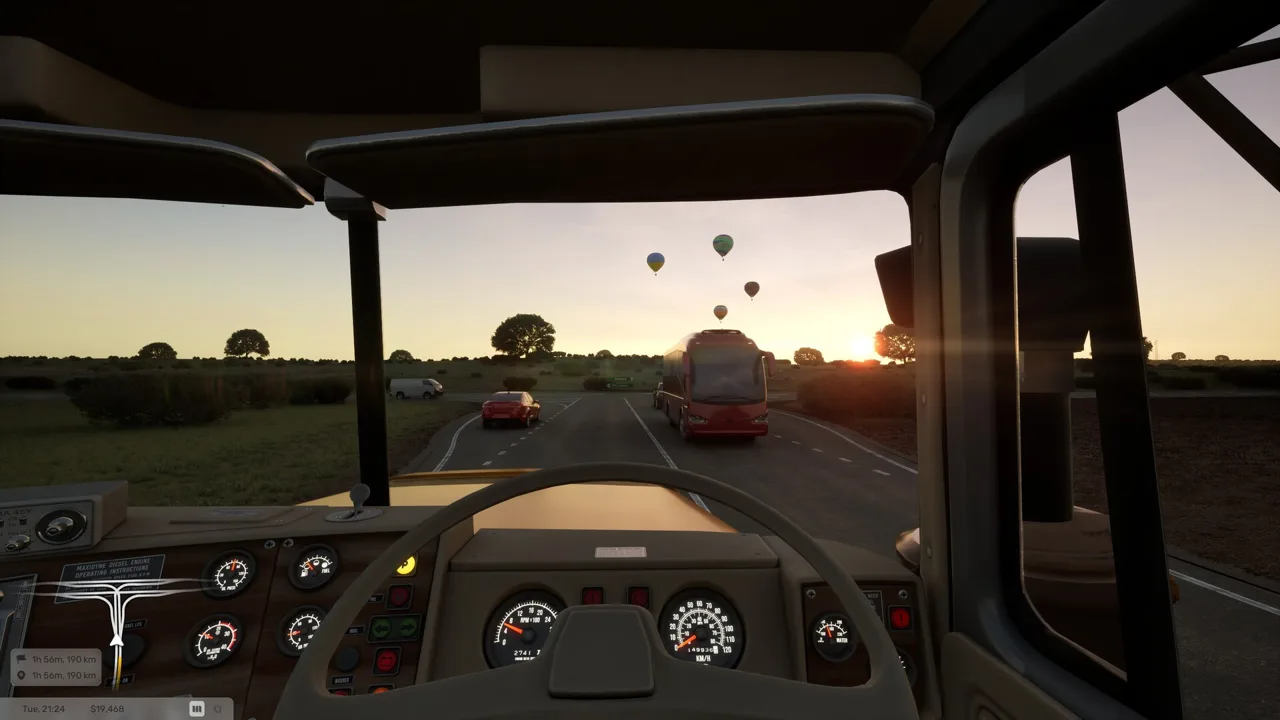
Change the Camera With C
Getting comfortable with Truck World: Australia keyboard controls starts with C, which changes the camera in the Early Access build. Switching views helps you line up a trailer and judge tight delivery spaces. You’ll also need to learn the interactive cab controls and the hands-on equipment outside your truck.
Use the exterior camera when backing into a narrow parking spot. Make small corrections as you approach, and pull forward to straighten the trailer when necessary. Inside the right-hand-drive cab, pay attention to your mirrors and remember to keep left on Australian roads.
Brake early when approaching a turn or delivery entrance. The truck takes time to slow down, so leave room before making your final parking adjustments.
Official page: Truck World: Australia (truckworldstudio.com)
Operate the Dashboard and Cab Controls
The beta build includes interactive dashboard switches for several essential functions:
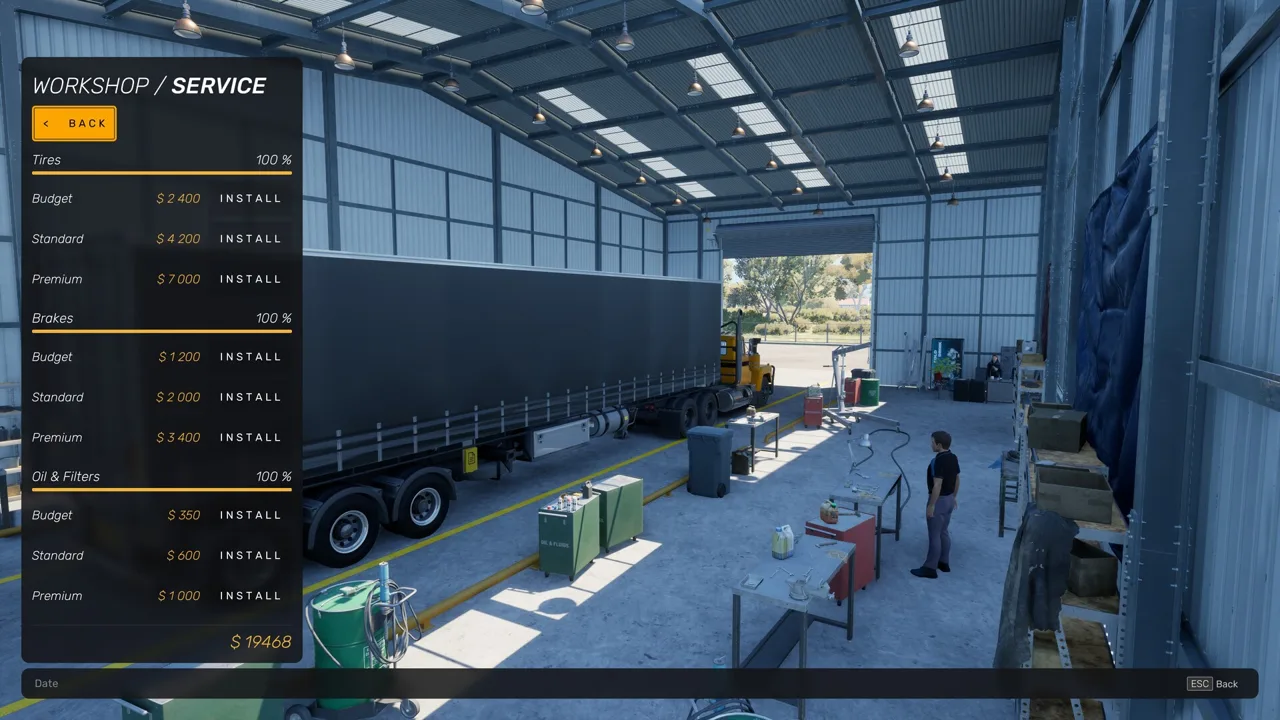 Image: Steam / Truck World Studio
- Ignition: Turn the truck’s ignition on or off.
- Parking brake: Apply or release the parking brake.
- Engine brake: Toggle the engine brake.
- Lights: Operate the truck’s light switch.
- Hazard lights: Toggle the hazard lights.
Hover over a control and use the activate input to operate it. The cab’s door handle also provides a way to step outside.
Learn where these controls sit before taking a delivery. Having the parking brake and ignition within easy reach is useful when you’re repeatedly stopping, leaving the cab, and returning to drive.
Keep the introductory radio tutorial enabled if you want guidance through your opening run. It offers help while you get familiar with the truck and delivery routine.
Connect and Disconnect a Trailer
Trailer handling involves more than backing underneath the hitch. Early Access includes connecting trailers and operating their equipment outside the cab.
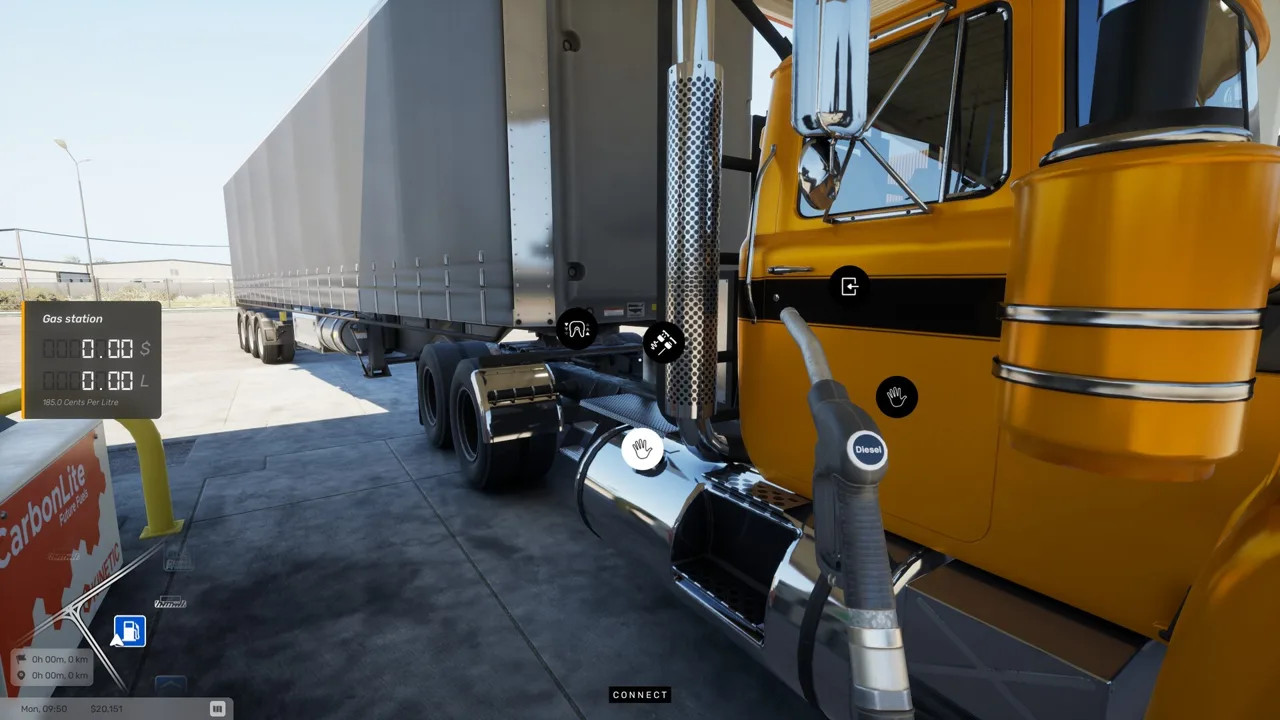 Image: Steam / Truck World Studio
For a full-trailer pickup:
- Request the trailer at the pickup terminal. Accepting a contract and collecting its trailer are separate actions.
- Reverse into alignment. Line up the truck’s hitch with the trailer’s kingpin and complete the coupling interaction.
- Check the landing legs. Raise the trailer supports before driving away.
- Connect the cables. Complete the external connections before starting your route.
Use the exterior camera to help with alignment, then step outside to inspect the connections.
At delivery, lower the supports fully, disconnect the cables, and release the coupling. The game blocks detachment while the cables remain connected. Finish by using the delivery terminal to drop off the trailer and complete the job.
Early Access offers two contract types: full-trailer deliveries and individual cargo loads carried on your own flat-top trailer. Delivery contracts are repeatable without a fixed limit. After completing a job, open your in-game email to see the delivery completion message and final payment. You can also use a job’s navigation buttons to direct you to its pickup or delivery destination.
Hold the Fueling Interaction and Settle the Bill
Refueling is another task you handle outside the cab. Park at the pump, approach the fueling equipment, and hold the fueling interaction to add diesel.
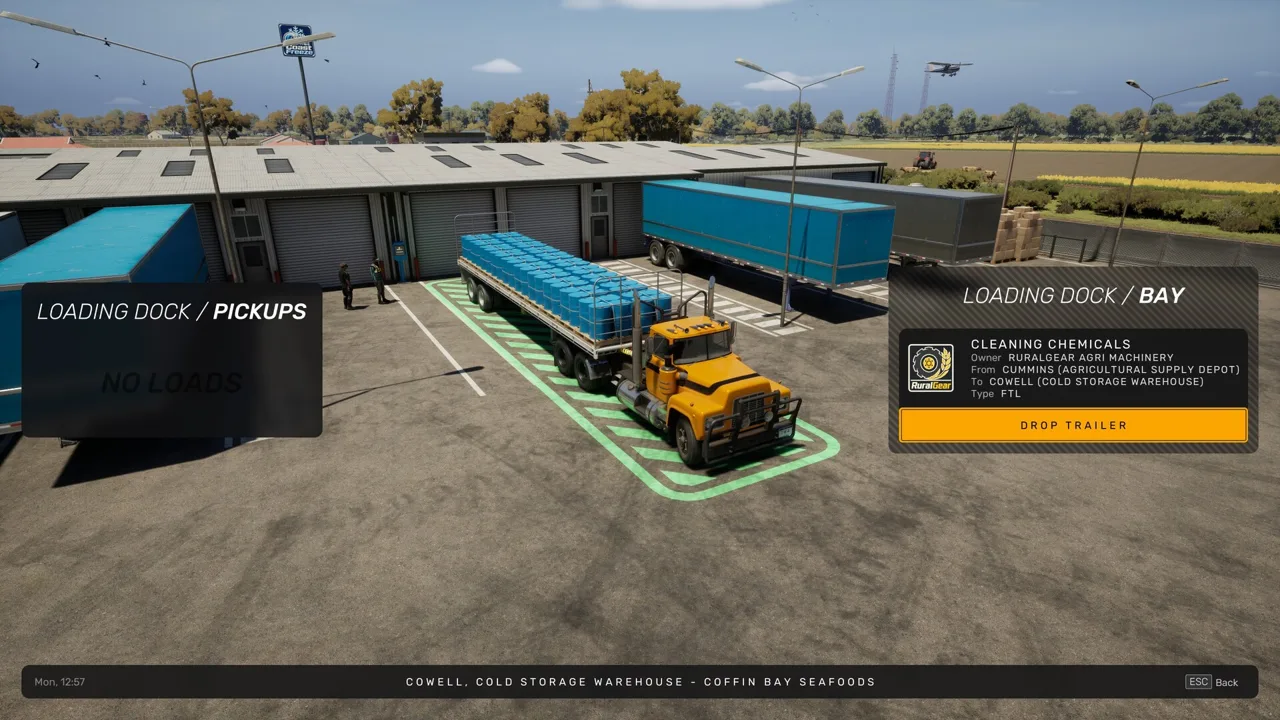 Image: Steam / Truck World Studio
After filling up, go inside the station and pay. Don’t leave immediately after putting fuel in the tank—the payment is a separate part of the stop.
Build that check into your routine: finish fueling, settle the bill, return to the cab, and prepare the truck before pulling away.
Keyboard and Controller Options on PC
Mouse and keyboard are usable in the Early Access build, including driving and interacting with the truck.
The upcoming Steam version includes these platform and input features:
- PC platform: Windows.
- Controller support: Partial Controller Support.
- PlayStation controllers: DualShock Controller Support and DualSense Controller Support.
The Steam release is scheduled for 2027. For keyboard play, practice camera switching, dashboard interactions, and trailer equipment during a short delivery before taking a longer route.
Continue with
 Truck World: Australia Steering Wheel Setup & SupportTruck World: Australia steering wheel guide covering force feedback, 900° rotation, manual shifting, and cab controls. Set up your rig for Early Access.
More in Controls
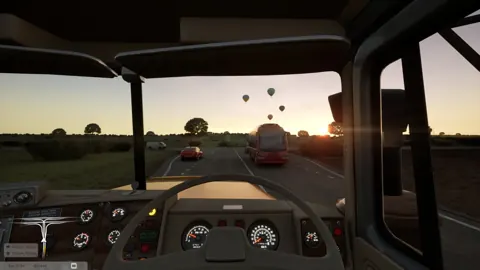
Truck World: Australia Controls: Cab and Wheel Guide
Learn Truck World: Australia controls for cab switches, camera changes, manual shifting, trailer hookups, and refueling before you take your next delivery.
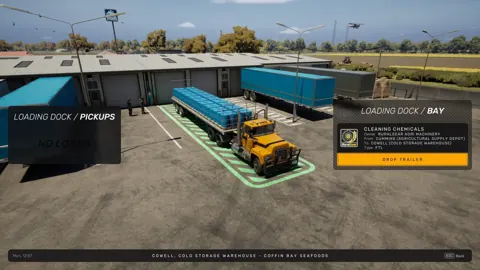
Truck World: Australia How to Drive Your First Load
Truck World: Australia how to drive guide: learn cab controls, trailer hookups, left-hand traffic, and manual refueling before taking your first delivery.
Truck World: Australia How to Shift Gears: Manual Guide
Truck World: Australia how to shift gears explained: set up manual controls, use the 10-gear H-pattern layout, and handle shifting issues in the preview.
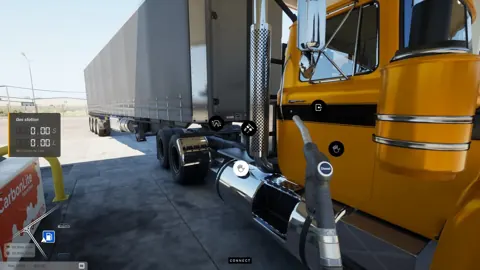
Truck World: Australia How to Use Clutch: Setup Guide
Truck World: Australia how to use clutch guide: set manual gearbox, H-pattern shifting, and manual clutch mode, then check your gear after opening menus.
Join the community
Official channels for news, updates and player help: