Early access · Release date: November 5, 2026
UpdatedTruck World: Australia How to Use Clutch: Setup Guide
Truck World: Australia how to use clutch guide: set manual gearbox, H-pattern shifting, and manual clutch mode, then check your gear after opening menus.
Jump to
How to Enable Manual Clutch Controls
Set up the transmission before troubleshooting your pedals. This Truck World: Australia how to use clutch guide covers the gameplay settings for driving with a clutch and H shifter. In the pre-release build, that configuration uses manual gearbox, H-pattern shifting, and manual clutch mode together.
Open the gameplay settings and select:
- Manual gearbox for the transmission.
- H-pattern shifting for the shifting method.
- Manual clutch mode for clutch operation.
Check all three settings rather than stopping after selecting the manual gearbox. The transmission choice, shifting method, and clutch mode are separate parts of the setup.
These options apply to the pre-release configuration. The game is in active development, so keep the version distinction in mind when following older control instructions.
Wheel support includes Moza, Thrustmaster, Logitech, and Fanatec hardware. The game also provides force feedback, with changes in road surface feeding through the wheel. Alongside the transmission options, the pre-release setup includes 900° of steering rotation. Keep that steering setting separate from the three transmission choices above; it concerns wheel rotation rather than clutch operation.
Adjust the seat position and mirrors for your driving view. Both adjustments are available, which matters when switching between watching the road and lining up a trailer. Trailer coupling involves accurately positioning the truck’s fifth wheel beneath the trailer before handling its connections outside the cab.
Other realism settings sit alongside the gearbox configuration. The pre-release setup allows realistic refueling, manual trailer coupling, and automatic rear height adjustment. Automatic rear height adjustment matches different trailer heights; it is a separate assistance feature from manual clutch mode. Choose those interaction settings alongside your transmission setup rather than treating every assistance option as a gearbox control.
For the Steam version planned for 2027:
- PC platform: Windows.
- Controller features: Partial Controller Support, DualShock Controller Support, and DualSense Controller Support.
Official page: Truck World: Australia (truckworldstudio.com)
Understand the Splitter Option
The manual gearbox also supports a splitter option, and the pre-release truck has 10 gears. That makes the splitter or shift-toggle setup relevant when using an H shifter.
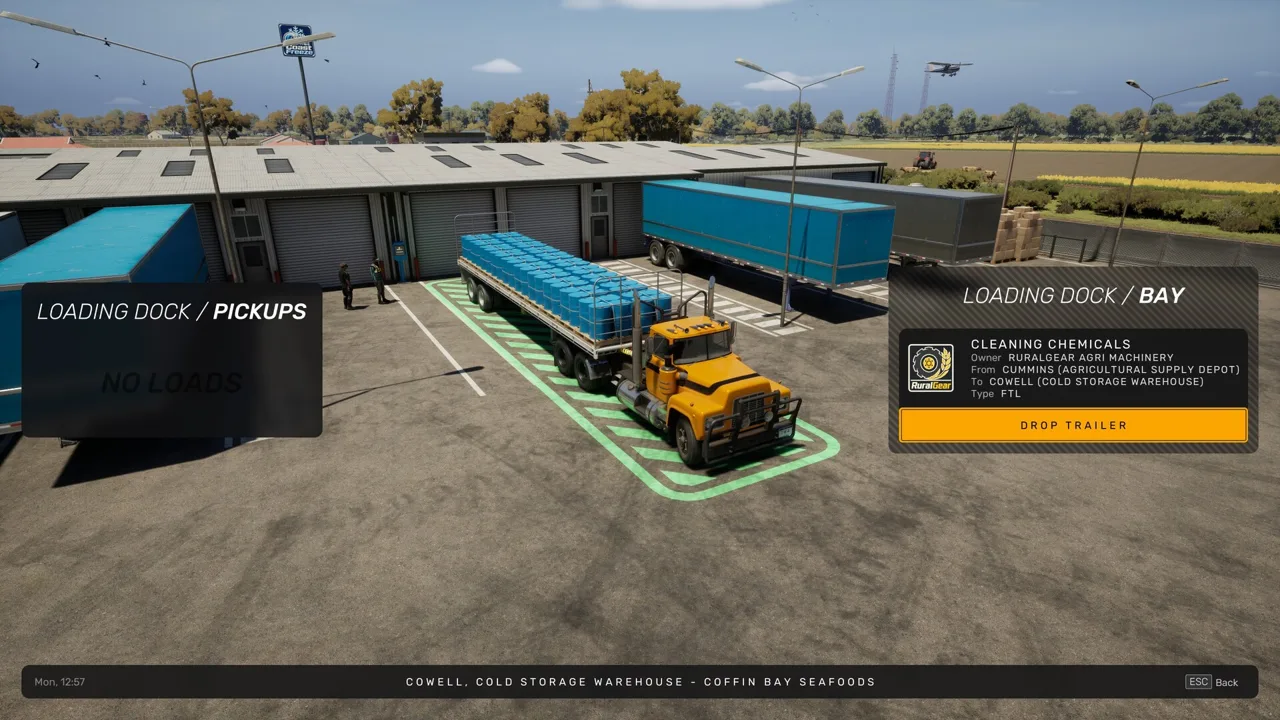 Image: Steam / Truck World Studio
Check that setting before working through the gearbox. Keep the clutch mode and splitter option separate in your setup: one concerns clutch operation, while the other is part of selecting gears.
Load also changes the driving experience. The truck feels different when hauling a loaded trailer, and cargo placement affects weight distribution. With individual cargo loads on your own flat-top trailer, the loading interface shows material weights and weight distribution while letting you move and rotate the cargo.
Use that loading information when arranging freight. If you are comparing how the truck drives across deliveries, account for what is on the trailer as well as your transmission configuration. A loaded truck and a poorly balanced load do not handle identically.
The driving controls also include a Jake brake, engine retarder, and differential lock. These are additional truck functions alongside the manual transmission. Automatic transmission is available too, so the game accommodates a different shifting setup if you choose to drive without the manual gearbox configuration.
Check Your Gear After Closing Menus
The pre-release build has a menu-related issue that can take the truck out of gear when you return to driving. That can interrupt an otherwise working clutch-and-shifter setup.
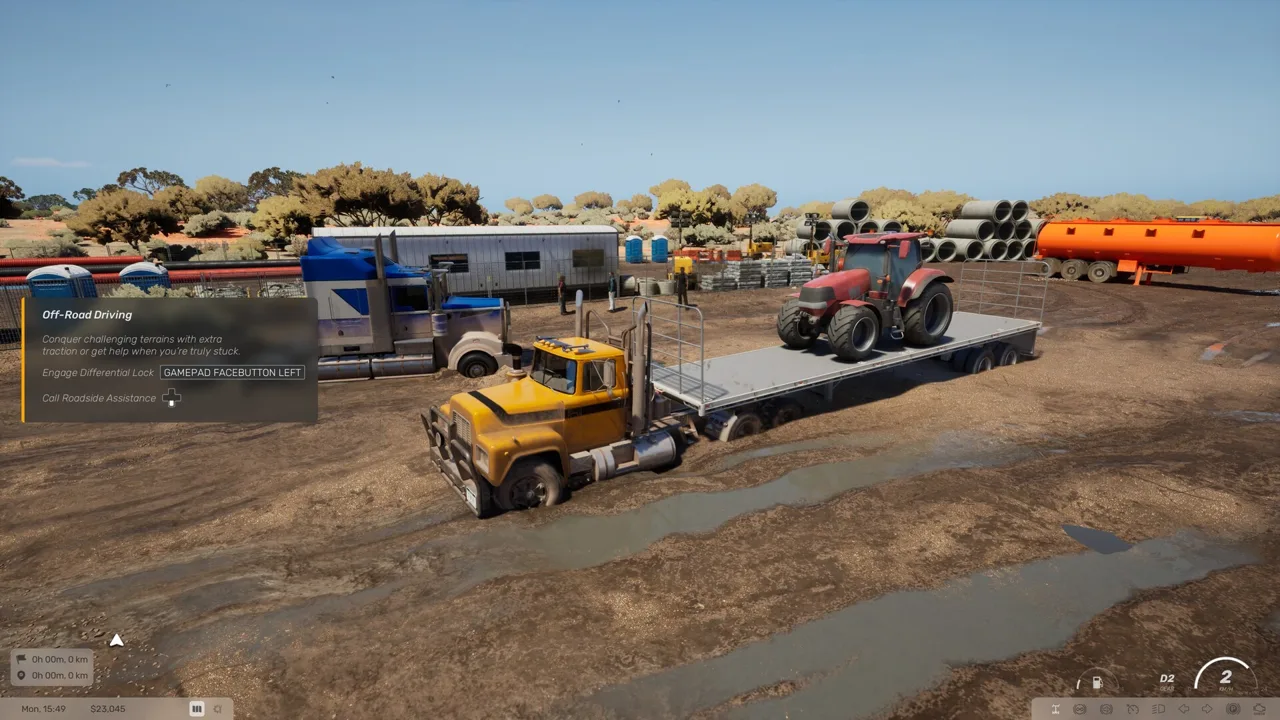 Image: Steam / Truck World Studio
After closing a menu:
- Check the selected gear before pulling away.
- Reselect the intended gear if the truck has dropped out of gear.
- Check this behavior before changing transmission settings that were already working.
If the interruption happens immediately after a menu visit, start with the gear selection. Reconfiguring the clutch is unnecessary when the truck simply needs to be put back into gear.
Route planning and accepting delivery contracts both bring you into menus during normal jobs. Make the gear check part of returning from those screens. The pre-release interface can also return to the news screen when opening the menu, creating another interruption while you are trying to reach your route or job information.
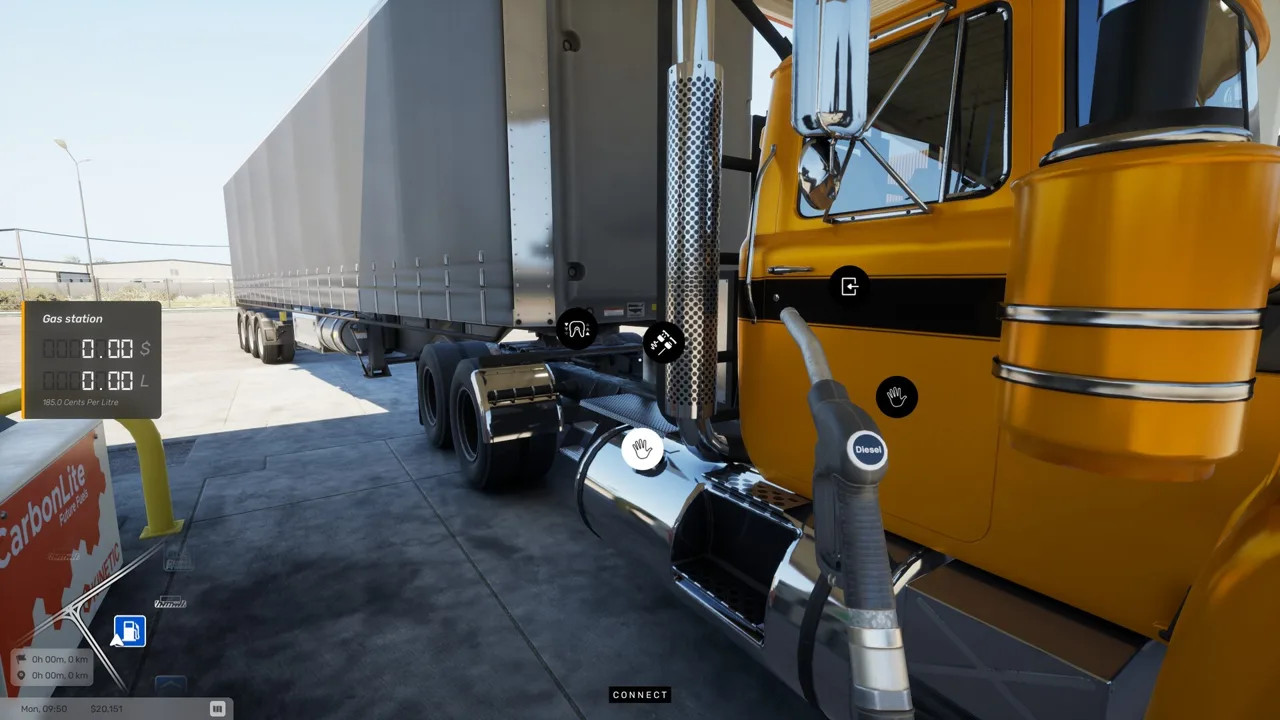
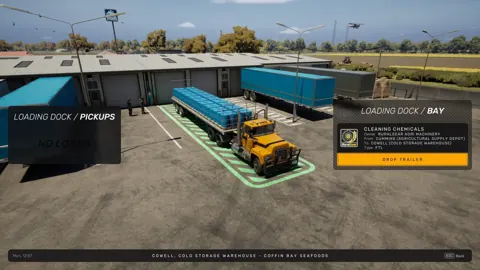
Driving also alternates with hands-on work outside the cab. Manual refueling involves inserting the nozzle, filling the truck, returning the nozzle, and paying at the register. Manual trailer coupling adds air-line and electrical connections plus raising the trailer legs. Keep those tasks distinct from troubleshooting the transmission: they are separate parts of preparing the truck and trailer for the next stretch of driving.
Continue with
 Truck World: Australia Jake Brake Controls ExplainedLearn how to use the Truck World: Australia jake brake through the cab controls, what the G29 X button does, and how the beta's engine brake toggle works.
More in Controls

Truck World: Australia Controls: Cab and Wheel Guide
Learn Truck World: Australia controls for cab switches, camera changes, manual shifting, trailer hookups, and refueling before you take your next delivery.
Truck World: Australia How to Drive Your First Load
Truck World: Australia how to drive guide: learn cab controls, trailer hookups, left-hand traffic, and manual refueling before taking your first delivery.
Truck World: Australia How to Shift Gears: Manual Guide
Truck World: Australia how to shift gears explained: set up manual controls, use the 10-gear H-pattern layout, and handle shifting issues in the preview.
Truck World: Australia Keyboard Controls Guide & Tips
Learn Truck World: Australia keyboard controls, switch cameras, use dashboard switches, and handle trailer connections before your next delivery contract.
Join the community
Official channels for news, updates and player help: